TGXL Networking Oddity (unplug / replug to work with static IP)

Hi, 403A:

I experience strange networking behaviour with my TGXL 1x3. I run latest FW 1.2.17.

First - I assign a static IP-address to my TGXL (192.168.0.223). This happens to be adjacent physically and conceptually to my Flex 6400 - they attach to different ports on a managed Ubiquiti switch (model US-8-POE-150).

Second - I turn everything off, perhaps for vacation, etc. All power is removed.

Third - I return, and I first turn on power to my Flex 6400. I then I turn on the '6400 using the front-panel pushbutton. Lastly, I use a completely different power supply with my TGXL, and I turn on the TGXL using the tiny rear-panel rocker-switch.

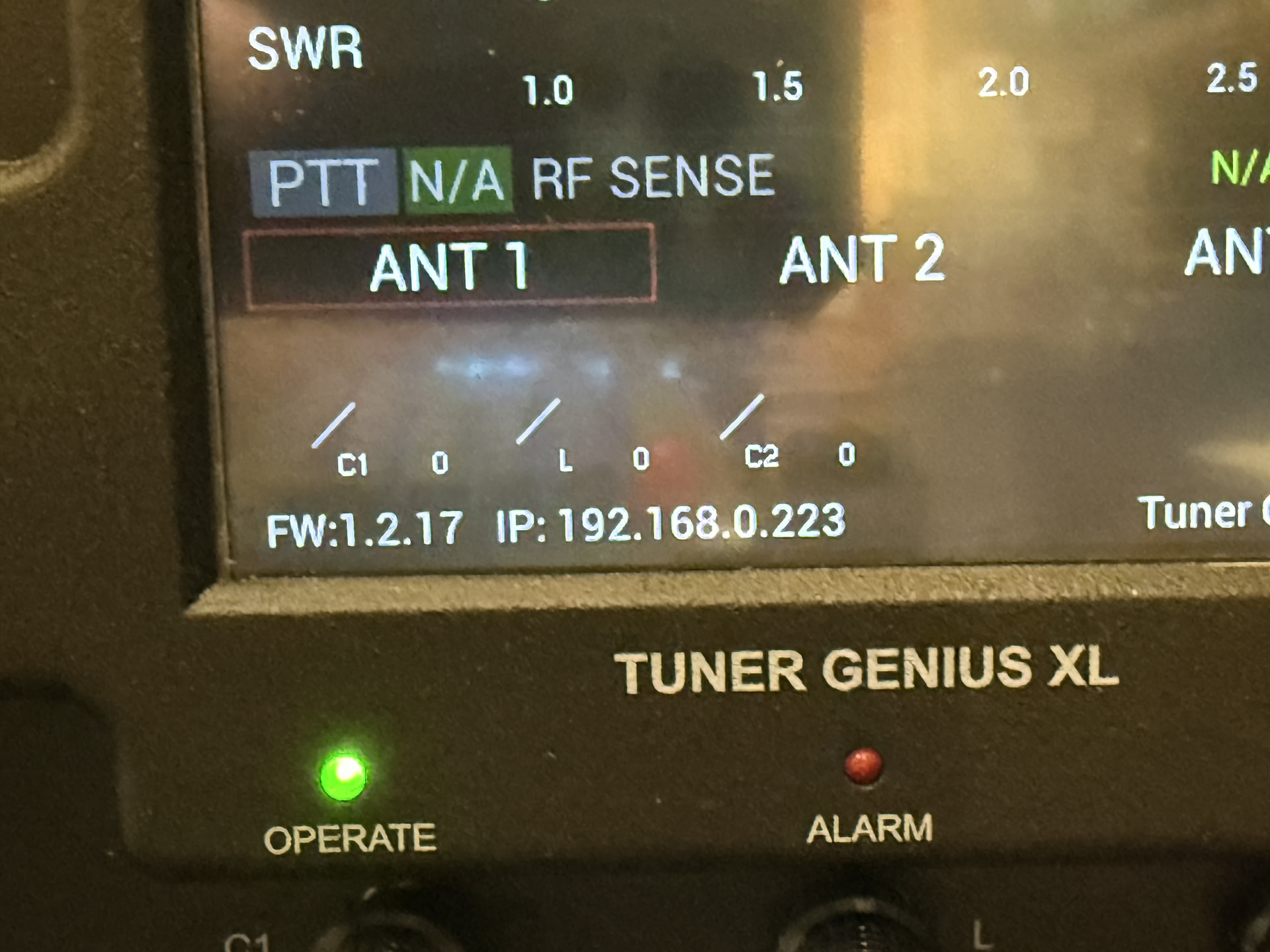
Everything boots, and appears normal. My '6400 operates correctly, hearing signals, and with static IP 192.168.0.222. Whether using SmartSDR or AetherSDR, I see that these softwares indicate the TGXL is connected. The front panel of the TGXL appears completely normal:
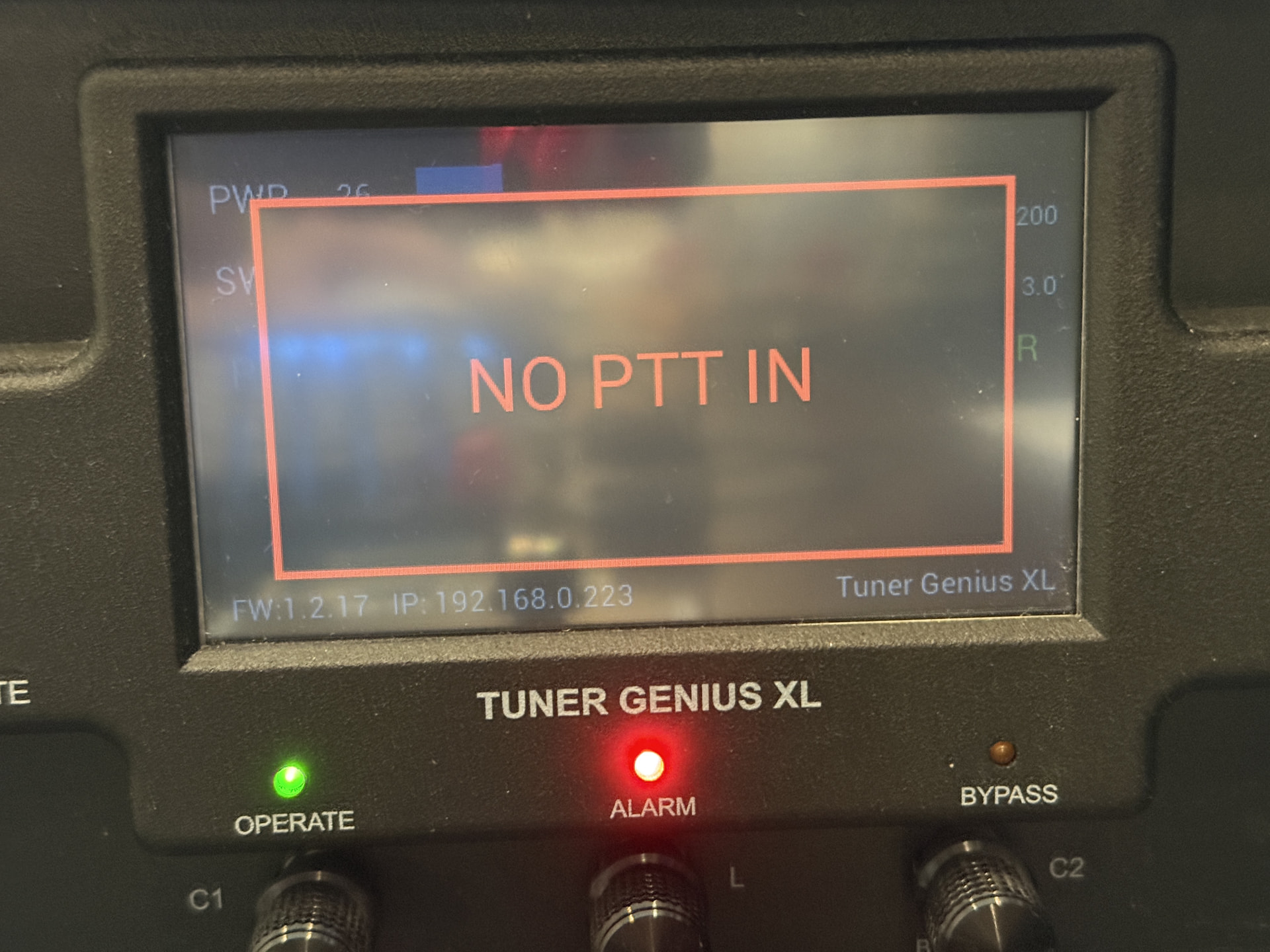
But when I attempt to transmit (in this case, Low Power = 20W using TUNE TX button on the computer), and the TGXL does not react as I expect:
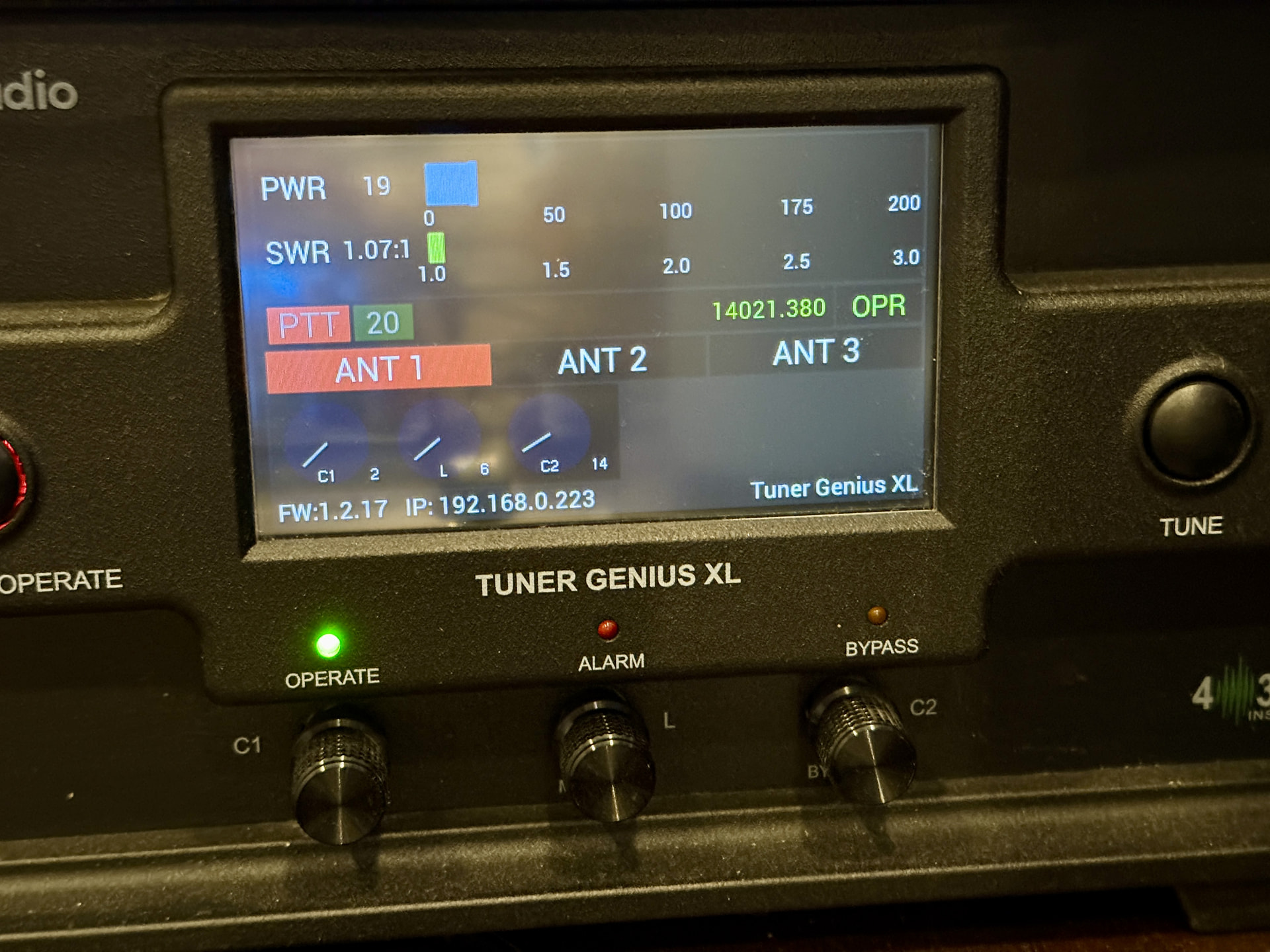
Now, if I simply UNPLUG and then REPLUG the RJ-45 network connector on the back of the TGXL, everything works perfectly!! Please note: I don’t reboot anything, I don’t click anything (except TUNE in the computer software TX panel). After replug:
I wonder if 403A can investigate this networking behaviour?

My expected result would be that the TGXL works after booting, without the need to unplug/replug the RJ-45. When operating remotely, I cannot unplug / replug the RJ-45, and thus the TGXL is inoperable following (remote) power-on.

Thank you.
Hello, this is a known bug that has been fixed in the new firmware that should come out soon after passing through FlexRadio’s Alpha team testing.

Awesome! I am looking forward to the next software release.

Thank you

I wonder if you may have a guideline for the timing of the next software release?

I’ve updated to the newest FW announced yesterday - version 1.2.41

UPDATE:

The TGXL 1x3 had some settings reset, including change back to DHCP (from fixed-IP). When I un-checked DHCP, then rebooted my TGXL, the behaviour WAS correct: that is, SmartSDR could immediately locate and communicate with my TGXL. “No PTT In” error seems resolved, for fixed-IP setting. The error appears to remain, when DHCP is selected. Does this need further investigation?

ORIGINAL:

This anomaly remains. I still have to unplug / replug the RJ45 network cable, in order to avoid the “No PTT In” error. Once I unplug / replug the RJ45 network cable, it works the way I expect.

Hi there,

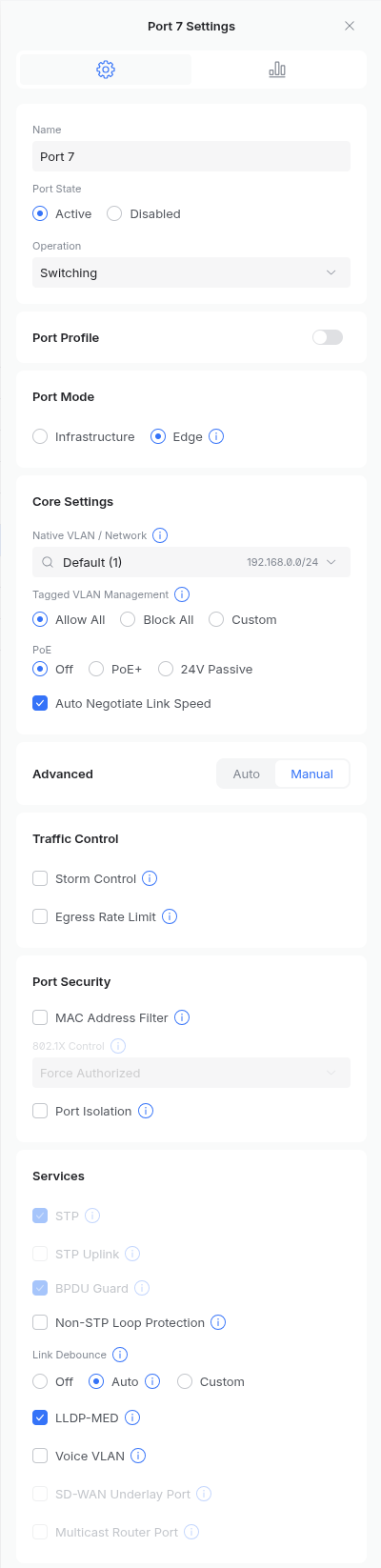
I’ve been trying to replicate the problem on my side with no success with static ip. The great majority of people are using DHCP. It sounds like with DHCP it was not getting an IP at first. Do you have any of these enabled on your Ubiquiti, “edge port” / portfast or spanning tree?

Interesting question: “Yes” I have those settings enabled. I’ll play around and try disabling these settings, perhaps also try switching from FIXED to DHCP, etc. Leave it with me to try a few things, but you have provided interesting ideas.

OK - so, I was running latest version 1.2.42 when I wrote the previous, and I investigated with 1.2.42. I see, now, there is a 1.2.43 available, but I have not yet installed. Additionally, I cannot find a changelog… update: I see page 76 of the manual contains a changelog.

I configured 1.2.42 with DHCP. I RESET CONFIG, and performed touchscreen CALIBRATION.

I configured my Ubiquiti switch away from “edge” to “infrastructure” and disabled Spanning Tree.

I went through all ham-bands, and re-trained my TGXL, anticipating RTTY contest.

With DHCP and no (rapid) Spanning Tree, my TGXL reliably obtained an IP-address.

But then I got curious, and I ruined everything: I used TGXL utility to change from DHCP to STATIC. No other changes. When this “saved”, TGXL rebooted itself and I saw CONFIG RESET :face_without_mouth: I was not expecting this. I’ll have to re-train the TGXL later, but insofar as IP-addressing:

When I set STATIC, and it self-rebooted / CONFIG RESET, I saw IP-address 0.0.0.0

After a moment, it autoselected a self-assigned 169.254.x.x address, showing (DHCP) after this address :face_without_mouth: Again, unexpected. Remember, I chose / set STATIC - why does it show DHCP?

I then unplug / replug the RJ45 network, and now I get my proper STATIC IP-address. No longer does it show 169.254.x.x (DHCP).

Summary:

  • Firmware 1.2.42 continues to behave unreliably and strangely with STATIC IP-address.
  • My removal of Spanning-Tree and changing switch from “edge” to “infrastructure” made no difference.
  • Before I re-train my entire HF Bands again (!) I’ll next try 1.2.43 upgrade. I’ve done enough with 1.2.42 to confirm my original observation and request remain the same.